

Your cloud PBX customers can now enable an AI voice agent for an extension directly in the CloudPBX Self-Care Portal. You bill the calls that the agent handles at your own rate in PortaBilling. This article explains what the new Add-on Mart module does, how a business sets up its agent, and what you need to start.
What is the Voice AI Agent (Apifonica) module?
Voice AI Agent (Apifonica) is a new module in PortaOne Add-on Mart. It connects PortaSwitch to Apifonica, a voice AI platform with a no-code agent builder. PortaOne announced the module in What’s new in MR130, and it has been available in Add-on Mart since June 2026. It also adds an AI agent tab to the CloudPBX Self-Care Portal.
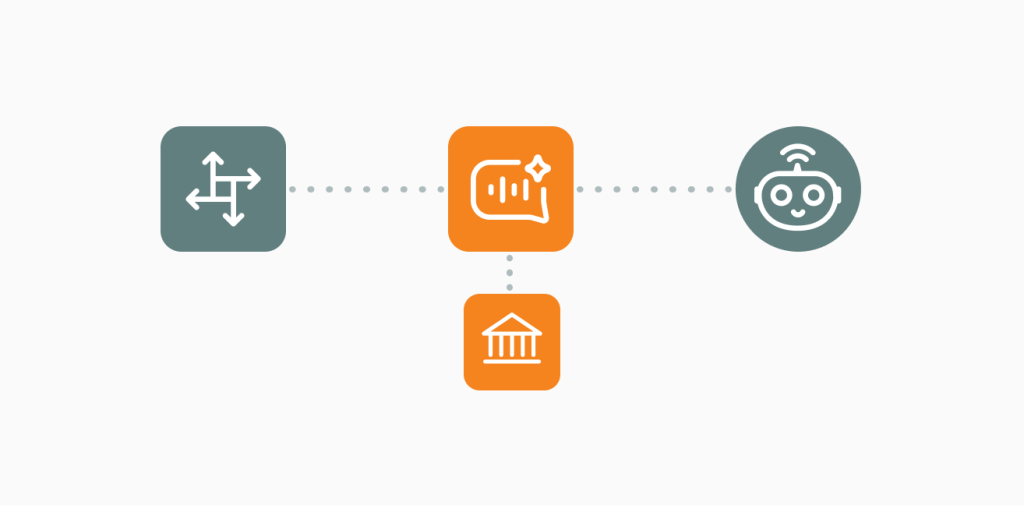
Your business customer builds an AI agent that answers its phone calls. The agent talks to callers in natural language and generates answers from a knowledge base and from instructions that the customer writes. PortaBilling charges for AI agent minutes as a separate service, at the price you set.
Apifonica is a PortaOne technology partner that builds and runs the AI agent platform. PortaOne built the integration with PortaSwitch and offers it as an Add-on Mart module. This module runs on MR120 or later and requires an Apifonica subscription. If you don’t have your own portal integrated with PortaBilling, you can use the CloudPBX Self-Care Portal module for self-service.
Why offer AI voice agents to your cloud PBX customers?
- Business customers hear about AI voice agents everywhere, and they ask their phone provider for one. If you don’t have one to offer, they buy it from a separate AI vendor, and you earn nothing on those calls.
- Without an integration, the customer connects an AI agent by hand, which involves registering on an AI platform, setting up a SIP connection to the PBX, and adding call forwarding rules. You have no separate charge for these calls.
- Voice minutes get cheaper every year. An AI agent minute sells at a higher price than a plain voice minute. Our webinar in November 2025 showed that the figure was 10 to 20 cents per minute.
- AI voice quality is now good enough for real customer calls, with natural speech and many languages.
What does the PortaOne integration add?
- The PBX admin enables the agent for an extension on the new AI agent tab in the CloudPBX Self-Care Portal. No SIP settings or forwarding rules are necessary.
- The integration creates the customer’s Apifonica account automatically. The PBX admin opens the agent builder through a single sign-on, so there is no need for a second registration or password.
- You set your own rate for the calls that the AI agent handles. PortaBilling adds this to the usual call charge.
- If you run your own customer portal, you can integrate the same setup flow using the Integration Adapter available with the Voice AI Agent Add-on Mart subscription. It provides API endpoints for creating an Apifonica account, and assigning a number and an AI-enriched IVR campaign to an extension.
- Your customers set up and change their agents themselves, with no support ticket for each change.
Who does what: PortaOne and Apifonica?
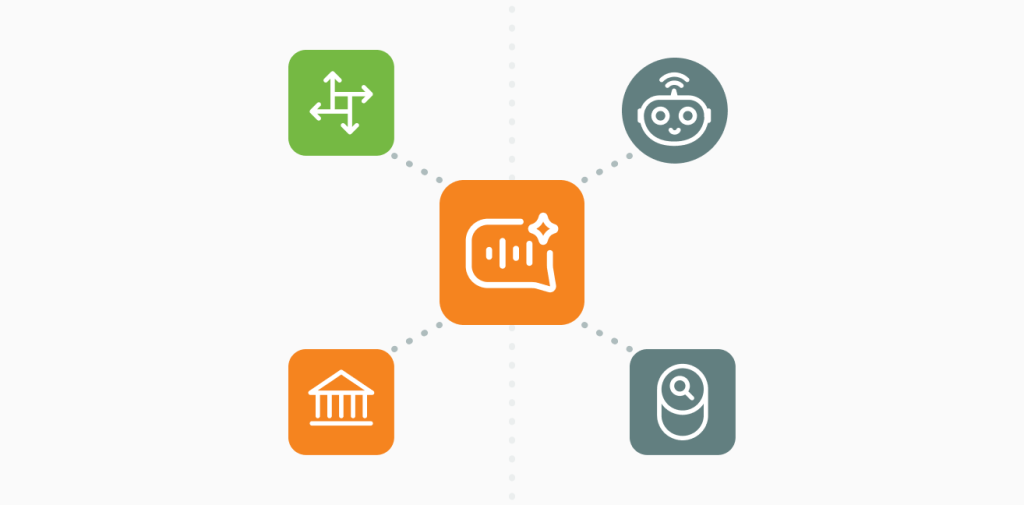
PortaOne connects and bills the calls. Apifonica runs the AI agent platform.
| PortaOne | Apifonica |
| Voice AI Gateway: connects calls between PortaSIP and Apifonica | AI agent platform: speech recognition, LLM, voice synthesis |
| Integration adapter, deployed from Add-on Mart | No-code agent builder |
| AI agent tab and single sign-on in the CloudPBX Self-Care Portal | Knowledge base, instructions, languages, voices |
| Call routing in PortaSIP | Connections to external systems: webhooks, API requests, custom JavaScript, Make |
| Call authorization and the AI agent charge in PortaBilling | Hosting of the AI platform |
| Integration adapter and API endpoints for your own customer portal (available with an Add-on Mart subscription) | Apifonica subscription, API token, and charging agreement. |
| Automatic creation of your customer’s Apifonica account | Your customer’s Apifonica account and balance (by default; other terms by agreement with Apifonica) |
How does a business set up its AI voice agent?
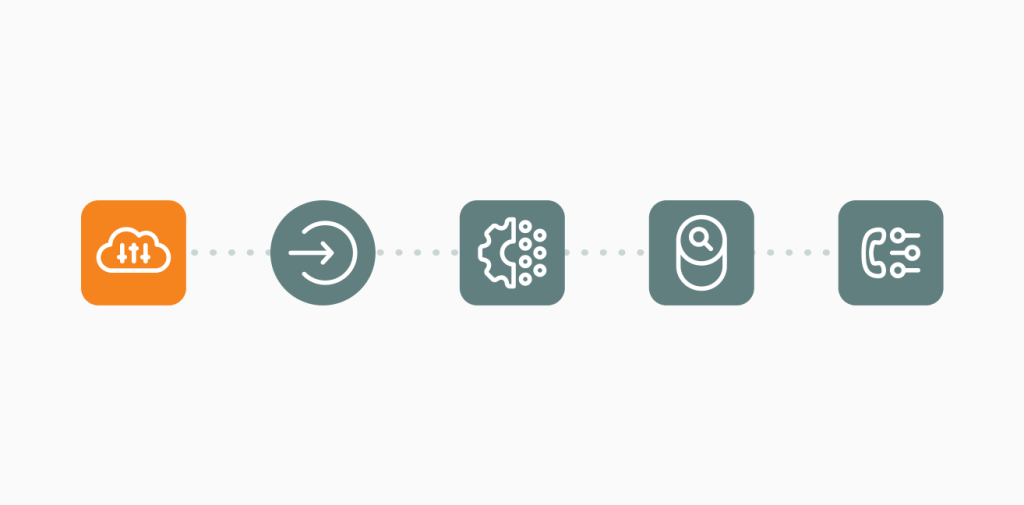
- The PBX admin opens the CloudPBX Self-Care Portal and selects an extension.
- On the AI agent tab, the admin enables the AI agent and clicks Configure agents.
- The admin opens the Apifonica agent builder via single sign-on.
- In the no-code builder, the admin writes the instructions, adds a knowledge base (e.g., opening hours, prices, and the address), and selects the language and voice.
- Back in the CloudPBX Self-Care Portal, the admin saves the configured agent and assigns it to the selected extension. The saved agent then appears in the drop-down list of pre-configured agents and can be assigned to other extensions without setting it up again. CSPs can also preconfigure agents for their customers, who can then select the relevant agent from the list and assign it to an extension. Optionally, an auto attendant can route callers to it.
By default, the customer has a balance in its Apifonica account and tops it up there. Or you can set up an agreement with Apifonica where they charge you for all calls from your customers, so your customers don’t need to top up anything in Apifonica.
What can the AI agent do for your customers?
- Replace the IVR menu. The caller says what they need, and the agent answers the question or collects the details. No more “press 1 for sales, press 2 for support”.
- Answer every call, 24/7 including after hours, weekends, and during busy times.
- Use a different agent for each number or extension (e.g., one for sales questions and another for appointments).
- Keep the auto attendant and add AI to it so that one menu option (e.g., pressing 9) routes to the AI agent.
- Perform an action during the call. The agent can create a CRM record or a booking while it speaks. Apifonica does this through webhooks and API requests that the customer sets up for each system.
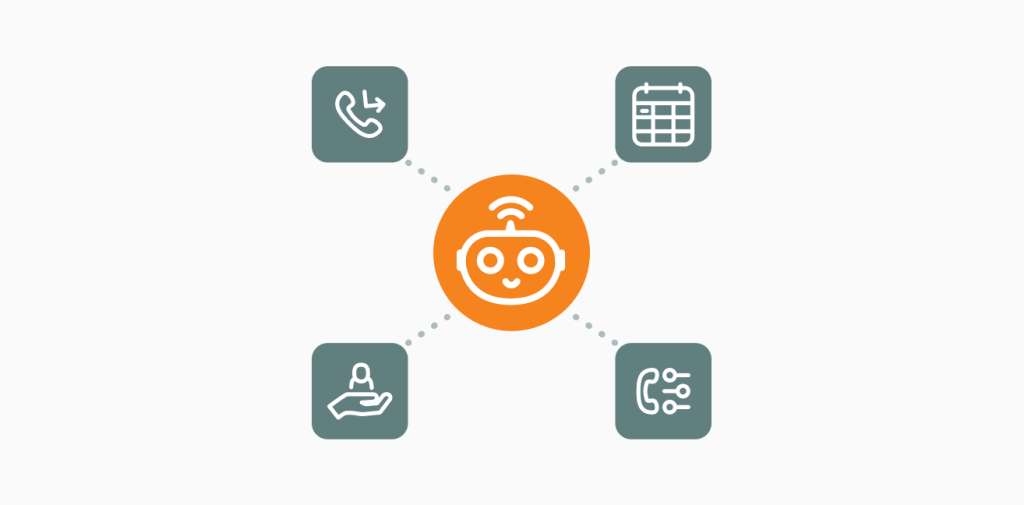
Typical users are businesses with many routine calls, such as appointments, reservations, opening hours, prices, or order status. The AI agent handles these calls, and the staff focus on the calls that need a person. For example: medical and dental clinics, beauty salons, restaurants and hotels, real estate agencies, and e-commerce and delivery companies.
How do you earn money from AI agent calls?
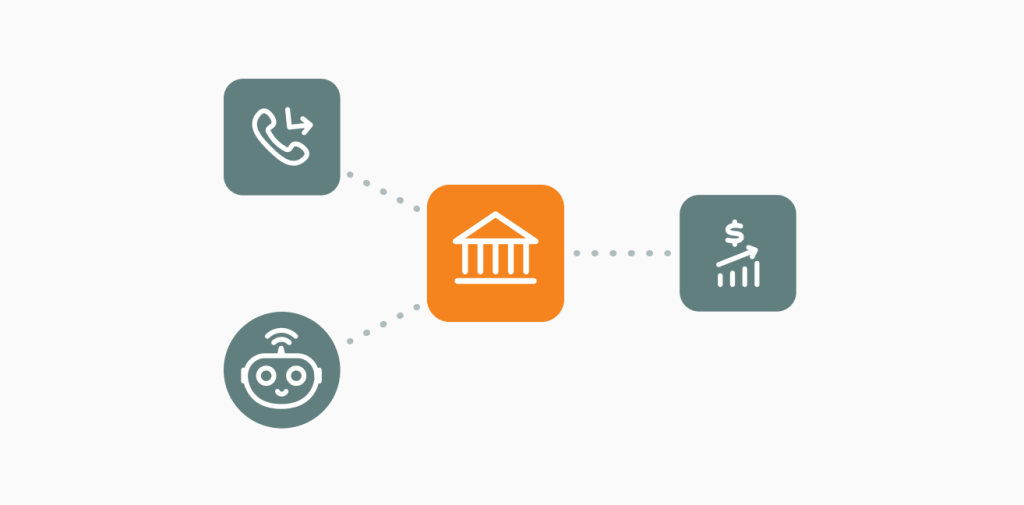
After each call, PortaBilling charges two items: the usual incoming call, and the AI agent minutes as a separate service at your rate. You can sell the AI agent per minute or include minutes in a subscription plan.
In the example from PortaOne docs, Owl Telecom charges $0.20 per minute for the AI agent. A three-minute call to a dental clinic costs the clinic $0.60 for the agent, plus the usual call charge.
You can set up white labelling and a single invoice for telecom and AI services through an agreement with Apifonica. By default, your customer works in Apifonica’s agent builder and has its own balance in Apifonica.
How much could AI agent calls add to your revenue? Try the AI agent revenue calculator.
What do you need to start?
- PortaSwitch MR120 or later.
- A subscription to the Voice AI Agent (Apifonica) module in PortaOne Add-on Mart. The monthly fee is fixed and does not depend on the number of your subscribers, traffic volumes, or the number of AI agents you run on it. A free trial is available.
- An Apifonica subscription and API token, and an agreement with Apifonica on the charging model and white labelling if you need it.
- Optional: the CloudPBX Self-Care Portal module for self-service. Without it, use the adapter’s API in your own portal.
Once you subscribe, PortaOne support installs the Voice AI Gateway on your PortaSwitch. You populate a short form in Add-on Mart and click Deploy. Then you create the AI agent service, set your rate, and add the service to your products in PortaBilling. The configuration guide describes each step. Read the Voice AI Agent (Apifonica) configuration guide.
Add AI voice agents to your cloud PBX offer
With Voice AI Agents, powered by Apifonica, your cloud PBX customers get an AI agent on their own numbers and extensions, and you earn on every call it handles. Subscribe in Add-on Mart and start with a free trial, or talk to PortaOne first.